

When you're running a small business with a lean team, hiring the wrong person costs you real money. Understanding the types of recruitment software small business owners actually need can mean the difference between a three-week hire and a three-month ordeal. This article cuts through the noise and maps out every major software category available today, what each one does, what it costs, and which situations it fits best. Whether you're filling your first role or your fiftieth, you'll leave with a clear picture of what to buy and why.
Table of Contents
- Key Takeaways
- Types of recruitment software small businesses should evaluate
- 1. Applicant tracking systems (ATS)
- 2. Recruiting CRM software
- 3. AI-powered sourcing and automation tools
- 4. Job board and posting aggregators
- 5. Video interviewing platforms
- 6. Onboarding software
- 7. Comparing the main types at a glance
- 8. How to decide which type fits your business
- My honest take on recruitment software for small businesses
- Locatehire makes hiring straightforward for small teams
- FAQ
Key Takeaways
| Point | Details |
|---|---|
| ATS is the foundation | Every small business with recurring hiring needs should start with an applicant tracking system before adding other tools. |
| CRM fills pipeline gaps | Recruiting CRM builds long-term talent pools, which is critical for businesses that hire the same roles repeatedly. |
| AI tools speed up volume hiring | Automation tools handle screening and scheduling, freeing you to focus on final interviews and decisions. |
| Pricing varies widely | Small business ATS options range from free to $250 per month, so budget alignment is non-negotiable before you commit. |
| Stack thoughtfully | Combining ATS with CRM and AI tools produces better results than relying on any single platform alone. |
Types of recruitment software small businesses should evaluate
Before you compare specific tools, you need a decision framework. Not every small business needs every type of hiring software, and buying more than you can use just creates overhead.
Hiring volume and frequency are the most reliable signals. If you fill two roles a year, a free ATS is probably all you need. If you're constantly cycling through pool service technicians, janitorial staff, or HVAC crews, you're in a different category entirely. That level of hiring volume and complexity pushes you toward automation and AI features to stay competitive.
Here are the key criteria to evaluate before choosing:
- Process consistency: Do you have standardized interview stages, scorecards, and evaluation criteria? If not, software with built-in structure helps.
- Budget: Upfront costs matter, but so do monthly recurring fees that add up over a year.
- Ease of use: A tool your team won't touch is a wasted investment. Prioritize platforms with a short learning curve.
- Integration: Does the software connect with your job board, payroll system, or communication tools?
- Scalability: Will this tool still work when you go from 10 employees to 40?
Pro Tip: Before you demo any software, write down the three biggest friction points in your current hiring process. Use that list to filter out any tool that doesn't directly solve at least two of them.
1. Applicant tracking systems (ATS)
An ATS is the core of any hiring operation. It manages the end-to-end recruiting workflow, capturing applications, moving candidates through pipeline stages, and generating recruiting analytics in one place. Think of it as a CRM for job applicants.

Modern ATS platforms do far more than store resumes. They parse candidate data automatically, rank applicants by fit, send status updates, and schedule interviews. For a small business owner juggling operations and hiring at the same time, that automation is the whole value proposition.
Key ATS features to look for:
- Application capture from multiple job boards in one inbox
- Resume parsing and candidate ranking
- Pipeline stage tracking with custom stages
- Interview scorecards and collaborative feedback
- Reporting on time-to-hire and source effectiveness
On pricing, the range is wide. Zoho Recruit offers a free plan with paid tiers starting around $30 per user per month. Breezy HR starts around $189 per month. BambooHR starts at approximately $250 per month. For most small businesses in trades, retail, or services, the free or entry-level paid tier is more than enough to start.
Where ATS shines is structured hiring processes with standardized stages and evaluations. If you're in an industry with compliance requirements or you want to reduce hiring bias, tools like Greenhouse enforce consistency across every hire.
2. Recruiting CRM software
An ATS tracks the people who applied. A recruiting CRM tracks the people who haven't applied yet but might say yes if you reach out at the right time.
Recruiting CRM focuses on nurturing potential candidates for future roles rather than only managing those who responded to a current job posting. The distinction matters enormously for small businesses with predictable, recurring roles. If you hire pool technicians every spring or retail associates every quarter, a talent pool you've already warmed up beats cold job board postings every time.
The main benefits of adding a recruiting CRM:
- Build a database of interested candidates before you need them
- Track past applicants who were a strong second choice
- Send targeted outreach campaigns to passive candidates
- Measure engagement with your employer brand over time
Pro Tip: Your best candidates for next season may be the people you didn't hire this season. Tag every strong candidate who didn't get an offer and set a reminder to reach out three months before your next hiring surge.
Tools like Gem are purpose-built for this kind of proactive talent pipelining. They integrate with most ATS platforms so your active and passive pipelines stay connected. For a small business growing toward 30 or 40 employees, combining CRM with ATS for warm pipeline management creates a real hiring advantage over competitors who start from zero every time.
3. AI-powered sourcing and automation tools
AI recruiting tools live at the top of the funnel. They handle the parts of hiring that eat time without requiring judgment: sourcing candidates from public profiles, screening applicants with automated Q&A, scheduling interviews, and kicking off onboarding paperwork.
AI tools address top-of-funnel sourcing and administrative tasks rather than replacing the pipeline management your ATS already handles. The two work together. AI fills your pipeline faster; your ATS manages it once candidates are in.
Examples worth knowing:
- LinkedIn Recruiter: Strong for finding passive candidates with Boolean search and InMail outreach, though it carries a premium price tag.
- SeekOut: Useful for diversity-focused sourcing with rich profile data beyond LinkedIn.
- Paradox (Olivia) and Humanly: These automate screening and candidate engagement using conversational AI, handling Q&A and interview scheduling without human input.
For small businesses in high-turnover industries like janitorial services or food service retail, AI screening tools can process 50 applicants in the time it takes you to read 10 resumes. The ROI is clearest when hiring volume is high and roles are relatively standardized.
The honest downside: these tools add cost and complexity. If you hire fewer than 20 people a year, you probably don't need a standalone AI sourcing platform yet. Start with ATS, add AI when volume demands it.
4. Job board and posting aggregators
These are often the first tool small business owners reach for, and they serve a specific function: getting the job in front of candidates. Platforms like Indeed, ZipRecruiter, and Google for Jobs distribute your posting across multiple channels from one place.
What they don't do is manage what happens after someone applies. That's the gap ATS fills. Posting aggregators are top-of-funnel tools only, and treating them as a full hiring solution means you're tracking applicants in email threads and spreadsheets. Which most small businesses know is a mess.
The smart move is to use a posting aggregator that integrates directly with your ATS so applications flow straight into your pipeline without manual data entry. Most modern ATS platforms have these integrations built in.
5. Video interviewing platforms
Scheduling in-person interviews for every candidate wastes time for both sides. Video interviewing platforms, whether live tools like Zoom for structured screening or async tools like Spark Hire, let you screen more candidates in less time.
Async video interviews are particularly useful for trade and service businesses. You can send a set of three screening questions, have candidates record their responses on their own schedule, and review ten responses in 30 minutes. Candidates who show up prepared and articulate on video tend to carry that energy into the job.
These platforms typically run $50 to $150 per month for small teams and integrate with most ATS software. For businesses with high applicant volume and limited HR bandwidth, this is one of the better investments in the $50 to $100 per month range.
6. Onboarding software
Hiring doesn't end with an offer letter. Onboarding software handles the paperwork, compliance documentation, equipment requests, and training assignments that new hires need before they're productive. Platforms like BambooHR and Rippling include onboarding modules as part of a broader HR suite.
For small businesses with physical roles, getting a new hire through licensing verification, safety training acknowledgments, and direct deposit setup in their first 48 hours makes a measurable difference in retention. Employees who feel organized and welcomed on day one are less likely to ghost before week two.
Standalone onboarding tools typically cost $6 to $12 per employee per month. Many ATS platforms include basic onboarding workflows, so check what your ATS already covers before buying a separate product.
7. Comparing the main types at a glance
| Software type | Primary function | Best for | Typical cost |
|---|---|---|---|
| ATS | Manage active applicant pipelines | All small businesses hiring regularly | Free to $250/month |
| Recruiting CRM | Build passive candidate pools | Businesses with predictable, repeat roles | $50 to $200/month |
| AI sourcing tools | Automate sourcing and screening | High-volume hiring, trades, retail | $100 to $500/month |
| Job board aggregators | Distribute job postings broadly | Any business starting a new search | Free to $400/month |
| Video interviewing | Screen candidates asynchronously | Teams with limited scheduling bandwidth | $50 to $150/month |
| Onboarding software | Automate new hire paperwork | Businesses with compliance-heavy roles | $6 to $12/employee |
The ATS remains the fundamental recruiting architecture for efficient candidate data management, even for the smallest teams. Every other tool on this list works better when your ATS foundation is solid.
8. How to decide which type fits your business
Start with an honest assessment of where hiring breaks down for you today. Not where you want to be in two years. Where it breaks right now.
Here is a practical decision process:
- Count your hires. If you hire fewer than 10 people a year, start with a free or low-cost ATS and nothing else.
- Identify your recurring roles. Roles you fill every season are strong candidates for CRM investment. You want a warm pipeline, not a cold posting, every time.
- Calculate your time cost. If your hiring process takes more than 3 hours per candidate to manage manually, automation tools pay for themselves quickly.
- List your must-have integrations. Your new software should connect to your job boards, calendar, and ideally your payroll system without manual imports.
- Trial before you commit. Every credible platform offers a demo or free trial. Use it with a real open role so you're testing actual workflows, not hypotheticals.
- Plan your stack, not just your first tool. Small businesses that stack ATS with CRM and AI tools see measurably faster hires than those relying on one system.
Pro Tip: Don't buy a tool based on features you might use someday. Buy it based on the problem you need solved this quarter. You can always add tools as you grow.
My honest take on recruitment software for small businesses
I've watched a lot of small business owners go through this process. The pattern I see most often is buying more software than the team is ready to use. They purchase a full-featured ATS with CRM integrations and AI sourcing bolt-ons, and six months later they're using it as an inbox because nobody took the time to set up the workflows.
The uncomfortable truth is that software doesn't fix a broken process. It amplifies whatever process you have. If you have no defined hiring stages or evaluation criteria, a powerful ATS just gives you a more organized mess. The businesses I've seen get the most from their recruiting tools are the ones that mapped out their hiring steps on paper first, then found software to match.
What I'd tell any owner running a team between 5 and 50 people: start with the simplest ATS that handles your volume. Get your process consistent. Then, when you notice you keep losing candidates because follow-up is slow or you're always starting from zero, add a CRM or an AI tool to fix that specific bottleneck.
Chasing every new feature is how you end up paying for three platforms and using none of them well. Simplicity wins more hires than sophistication.
— Jeff
Locatehire makes hiring straightforward for small teams
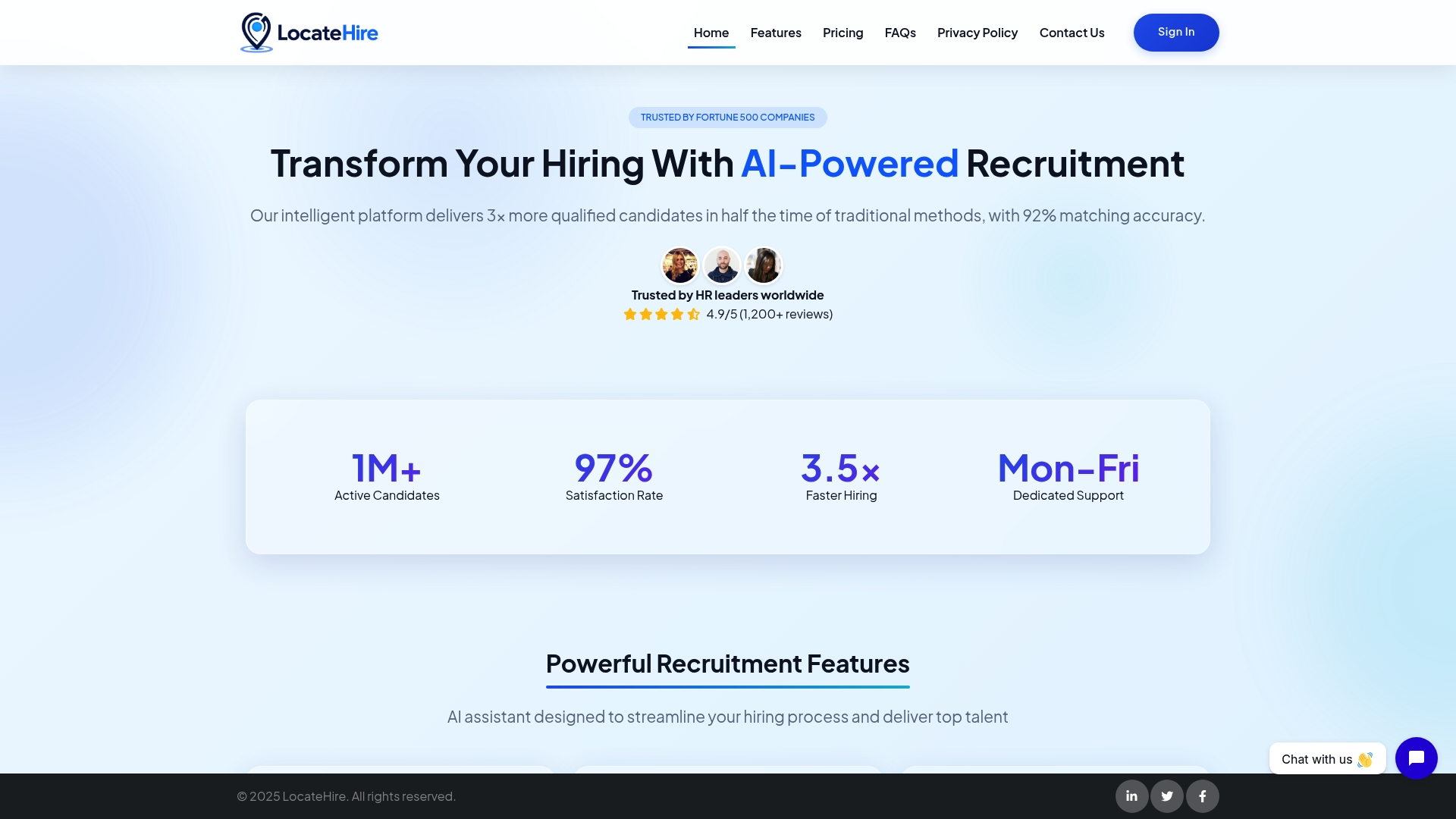
Locatehire is built specifically for small businesses with ongoing hiring needs, like pool service companies, HVAC contractors, janitorial services, and retail operations that are always bringing on new people. It combines AI-powered candidate sourcing, automated engagement, and pipeline management in one place, without the complexity or pricing of enterprise platforms. You get the recruiting muscle of a full-stack tool without needing a dedicated HR team to run it. If you're tired of managing applicants in spreadsheets or losing candidates to slow follow-up, Locatehire is worth a look. Start a free trial and see how it fits your current open roles.
FAQ
What is the most important type of recruitment software for small businesses?
An applicant tracking system is the most important starting point because it centralizes your entire applicant pipeline in one place and replaces manual tracking. Every other tool type works better once you have a solid ATS in place.
How much does small business hiring software typically cost?
Pricing ranges from free plans to around $250 per month depending on the platform and features. Zoho Recruit offers a free tier, while platforms like BambooHR start near $250 per month for small teams.
What is the difference between an ATS and a recruiting CRM?
An ATS manages candidates who have already applied, while a recruiting CRM builds relationships with candidates who haven't applied yet. ATS handles active pipelines; CRM handles long-term talent pools for future openings.
When should a small business add AI recruiting tools?
Add AI recruiting tools when your hiring volume is high enough that manual screening creates a bottleneck. For most small businesses, AI tools make the strongest case once you're filling more than 20 to 30 roles per year.
Can a small business use multiple types of recruitment software together?
Yes, and most growing businesses should. An ATS handles your active pipeline, a CRM builds your passive talent pool, and AI tools speed up sourcing and screening. The key is choosing an ATS first and adding tools as specific bottlenecks appear.